Choosing a kids chess app
Most chess apps are built for adults who already know the rules. Here is what to check before handing one to a six-year-old.
Can it be used without reading?
The single biggest filter. An app that explains the knight in a paragraph of text is unusable for a four- to six-year-old, however good the chess is. Look for spoken instructions, not just captions.
What happens when the child is wrong?
Beginners make illegal and terrible moves constantly. An app with timers, lives, or a losing screen teaches a child that chess is a thing they fail at. Look for one where a wrong move simply does not happen and the child tries again.
Does it start from zero?
Many "kids" apps assume the pieces are already known and go straight to puzzles. If your child does not yet know how a bishop moves, that app will not teach them.
Ads, purchases and data
Anything aimed at children should have no advertising, no in-app purchases and no data collection at all. These are worth checking rather than assuming: the store listing for any app declares what it collects, under Data safety on Google Play and App Privacy on the App Store.
Does it work offline?
Car journeys and waiting rooms are exactly when this gets used. An app that needs a connection is unavailable at the moments you most want it.
What Chezzo does about each
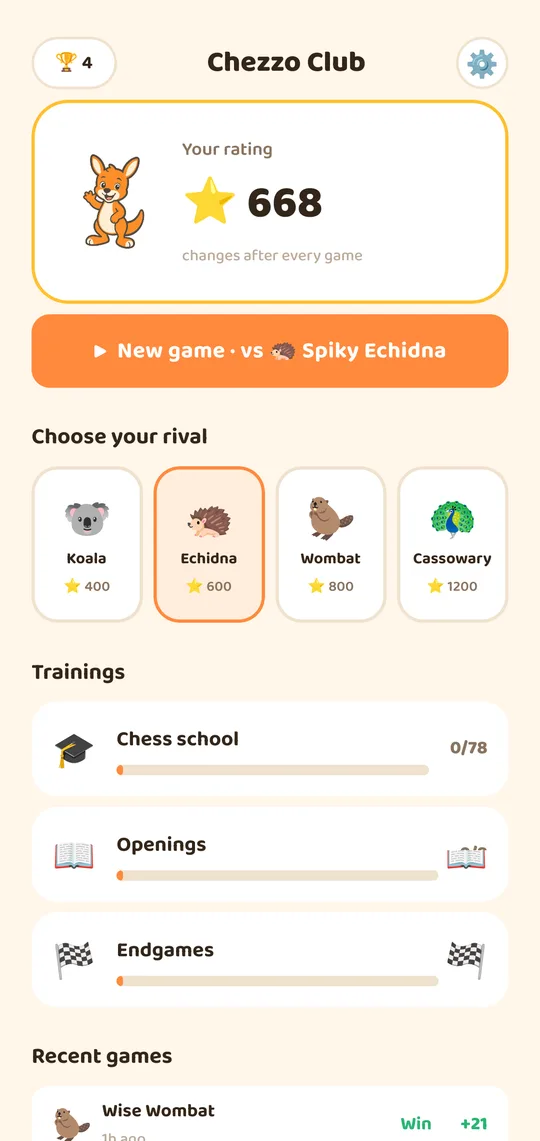
Every lesson is spoken aloud, so a pre-reader plays unaided. There are no timers, no lives and no failure screens. It starts from "this is a rook" and builds up over 78 hand-made puzzles. It contains no ads, no purchases and no analytics of any kind, makes no network requests at all, and works entirely offline.
Related
Free, and free of everything above
- Two modes: voice-only for ages 4–6, written lessons for 7+
- A grown-ups area behind an adult gate shows what has been learned
- No ads, no purchases, no accounts and no data collected at all