The Chezzo app
A chess school for children aged four to ten — and for the grown-ups working through it with them.
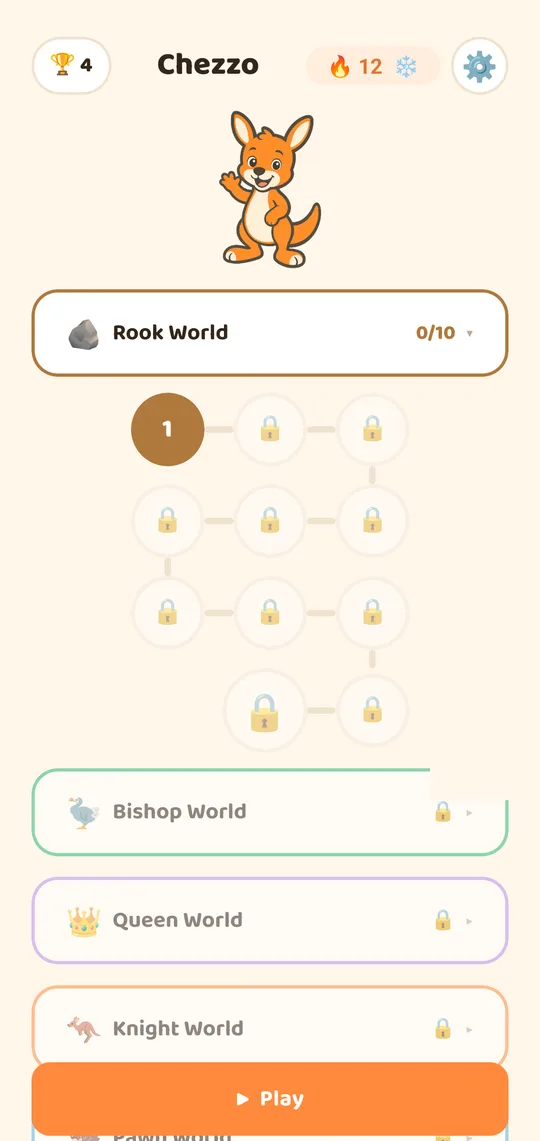
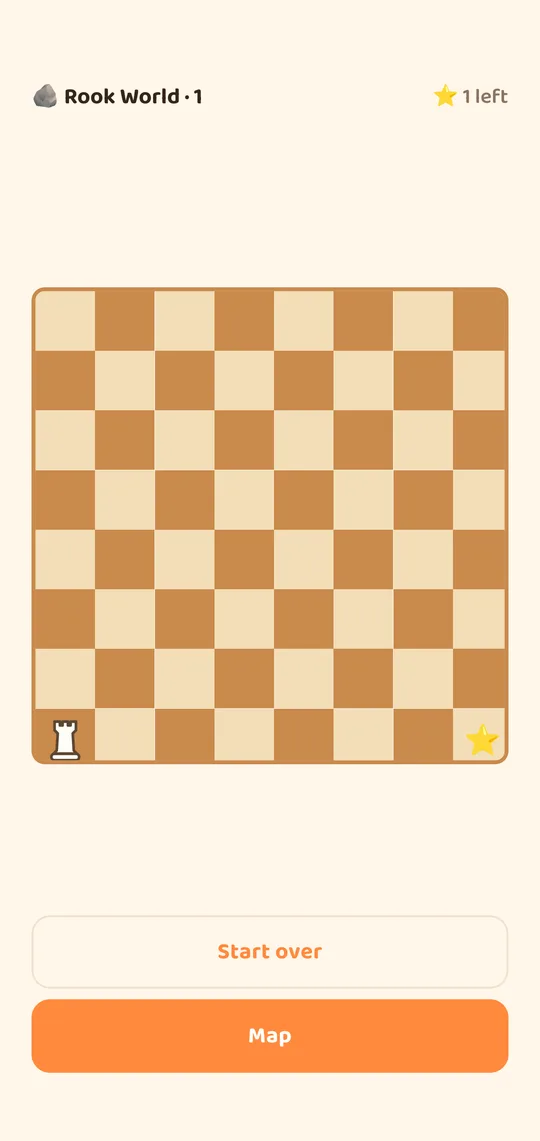
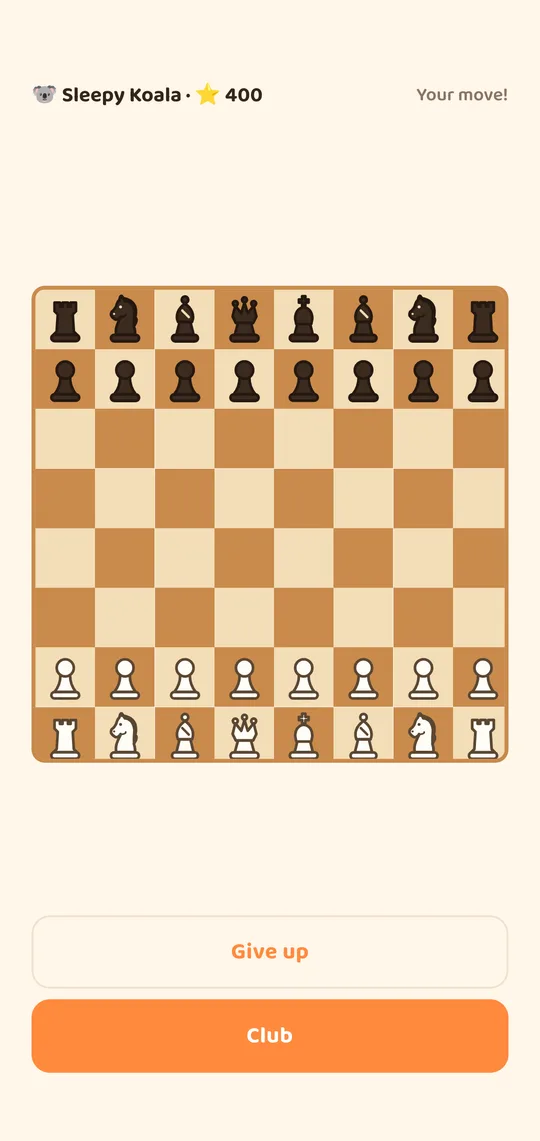
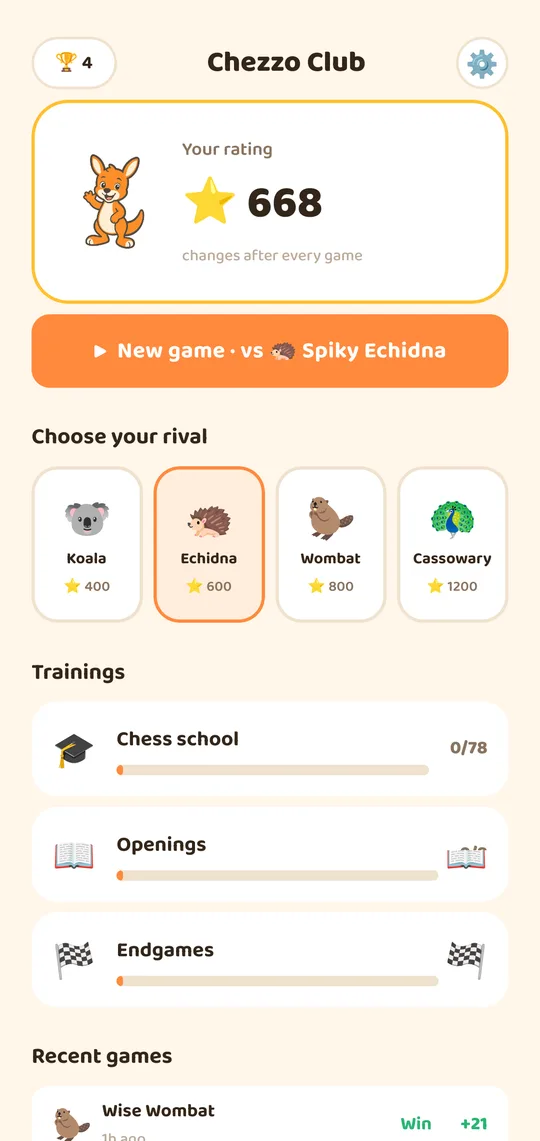
It starts at zero
Most chess apps assume you already know the rules and can read. Chezzo assumes neither. It opens by asking who is playing, and a four-year-old who picks the koala never sees a paragraph of text — every instruction is spoken aloud.
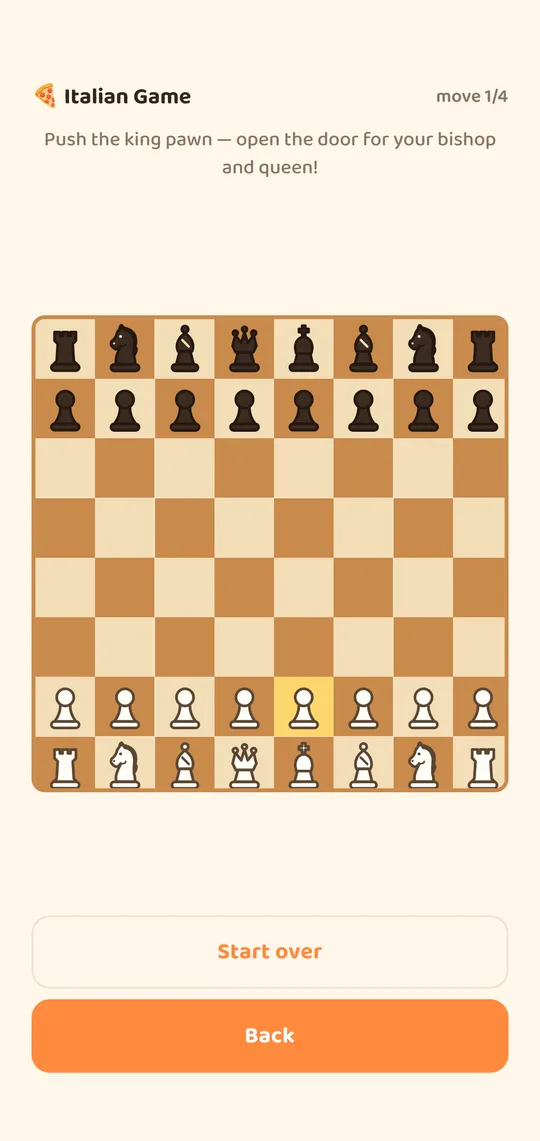
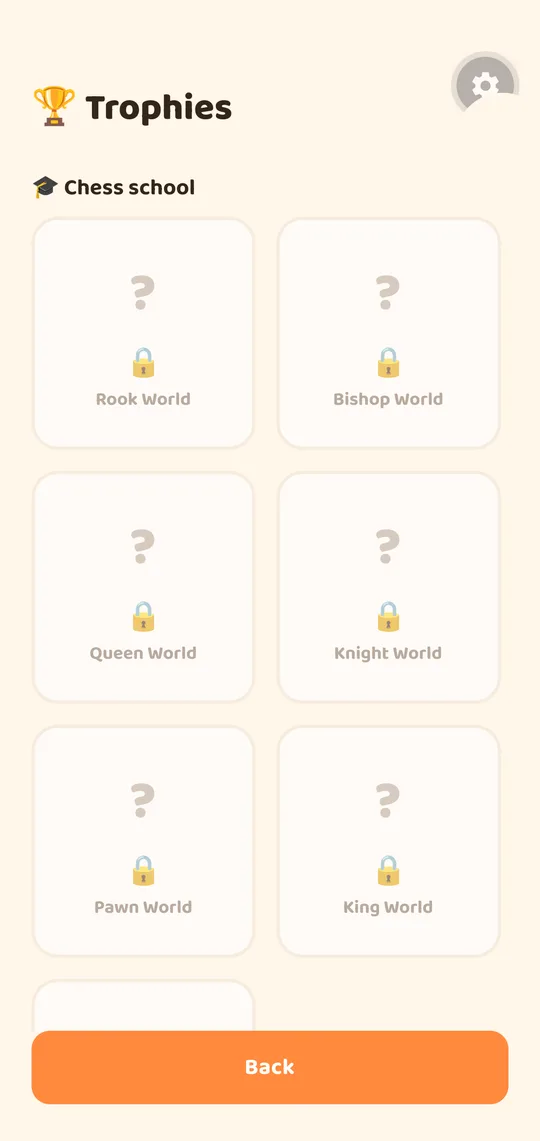
From there it is 78 hand-made lessons on a real chessboard, one idea at a time: how a rook slides, why a knight is the only piece that jumps, what check actually means. Each of the eight worlds ends in a boss match against an Australian animal, which unlocks the next.
Then it keeps going
Once the school is done, the Chezzo Club opens: full games against four opponents of increasing strength, with a friendly rating that moves after every game, plus guided openings and endgame drills.
| What | How much |
|---|---|
| Hand-made lessons | 78, across 8 worlds |
| Boss matches | One per world |
| Club opponents | 4, increasing in strength |
| Guided openings | 8 |
| Endgame drills | 6 |
| Daily challenge | A new puzzle every day |
Real pieces, always
The Australian animals — a kangaroo, a wombat, an emu — appear in the teaching episodes and never on the board. A child who learns chess on cartoon animals has to learn it again on a real set, so the board in Chezzo is a real board from the first minute.
Nothing to lose
There are no timers, no lives and no failure screens. A wrong move simply does not happen — the app quietly highlights a useful piece for a younger child, or offers a hint button for an older one. This is deliberate: chess punishes mistakes fast enough on its own, and a child who feels bad at it stops playing.
Two modes, one app
| Ages 4-6 | Ages 7+ | |
|---|---|---|
| Reading needed | None — everything spoken | Short written lessons |
| Help | Automatic after a few tries | A hint button when asked |
| Tactics world | Not shown | Forks and pins |
The mode can be changed at any time, so it grows with the child rather than being a decision you make once.
What it does not do
No ads. No in-app purchases. No accounts and no sign-in. No chat, no leaderboards and no way for anyone to contact your child. No analytics, no crash-reporting SDK, and no network requests at all — the app is fully functional in Airplane Mode, which is the quickest way to check that claim yourself.
Progress lives on the device and nowhere else. The privacy policy is also readable inside the app, without leaving it.
Who makes it
Chezzo is built by Grigory Frolov, publishing as Gynsus. It is the second app in a small family of educational apps; the first is Go Went Gone, a trainer for English irregular verbs. Both are built the same way: small, offline, free, and with no mechanism for collecting anything about the people using them.
How Chezzo was designed and built, and the decisions behind it, are written up on the project page.
How a free app with no ads pays for itself
It does not, directly — and that is worth saying rather than leaving people to guess. There are no ads, no subscription, no in-app purchases and no data being sold, because for an app aimed at children each of those is either forbidden or a bad idea. What the app costs is developer time; what it earns is a portfolio and the occasional person who finds the developer through it.
If that ever changes it will be said here plainly. It will not quietly become an app that collects things.
About this site
The pages on playchezzo.com answer the questions that come up when an adult is halfway through explaining chess to a child — which corner the rooks go in, how a knight moves, why that draw was not a win. They are written for the adult doing the explaining, and every board on the site is drawn with the same piece art the app uses.
Something wrong or unclear? Tell us — corrections are welcome.
Start with the first lesson
- 78 hand-made lessons across eight worlds
- A club with rated games, guided openings and endgame drills
- Free, offline, and it collects nothing about your child